
local:shop:setup:invoicestatus
Ceci est une ancienne révision du document !
Back Office : Configuration and implementation of a commercial offer
Modify a bill status
Access
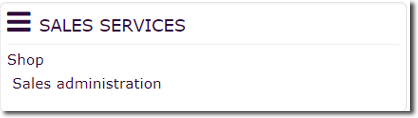
Follow link “Sales administration” in block Sales services (plugin Shop Access)
Follow link “all bills” on page Sales services section Sales management.
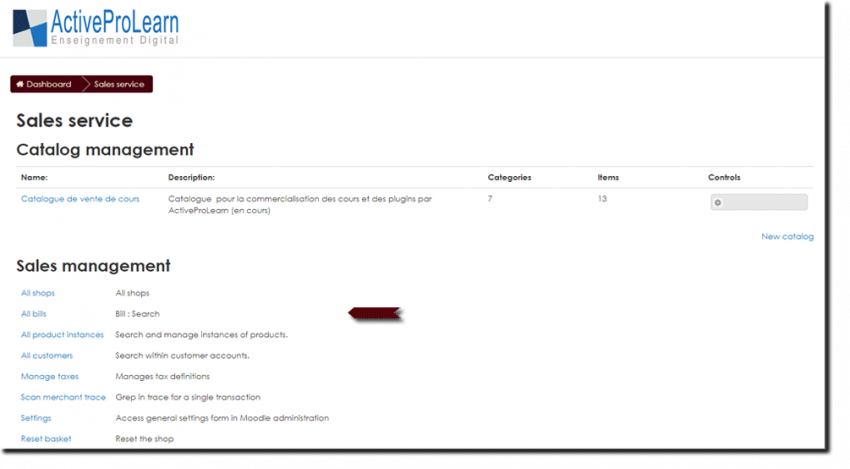
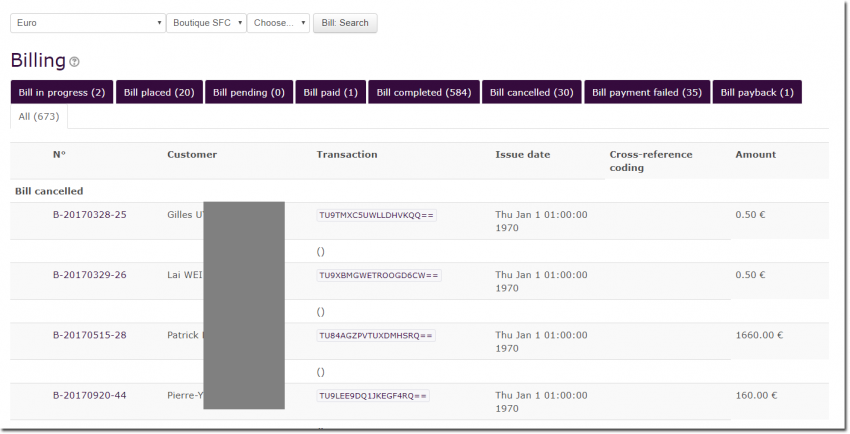
Modify a bill status
- Click on the relevant bill number in the list to view it. In this example B-2017038-25 for the first of the list.
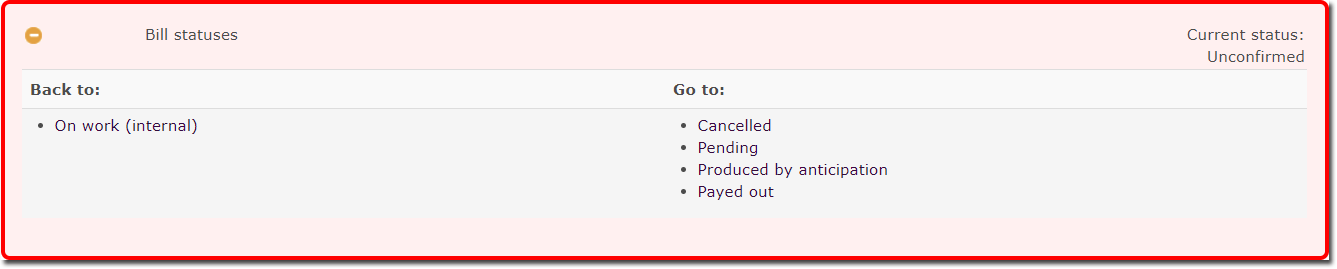
- Expand the “Bill Statuses” menu at the bottom of the document to see the possible options: For exemple, “Back to Status” and “Go to Status”.
- Choose the action to be taken, the possible options depend on the state at the time you operate for the relevant bill.
For more information on bill status see concept of order and bill statuses
Back to Configuration and implementation of a commercial offer - Back to Local Shop component - Back to catalogue
local/shop/setup/invoicestatus.1518780155.txt.gz · Dernière modification : (modification externe)